Smart QR Stickers for Society Vehicles
- Identify society vehicles instantly
- Instantly contact owners for parking issues
- Admin-controlled vehicle sticker assignment
- Privacy-first. Society members only
- Works alongside apps like MyGate / NoBrokerHood
Trusted by Residential Communities
“Successfully deployed across residential communities in Pune, Bengaluru and the NCR region, including projects managing over 2,500 vehicles.”
More than a parking sticker. A better system.
Works like a regular society parking sticker for easy vehicle identification, with the added ability to contact vehicle owners instantly when parking issues arise.
Your Residents' Data Is Safe With Us
We are ISO/IEC 27001:2022 Certified for Information Security Management Systems. Our platform ensures that resident details, vehicle data, and logs are encrypted and compliant with international security standards.
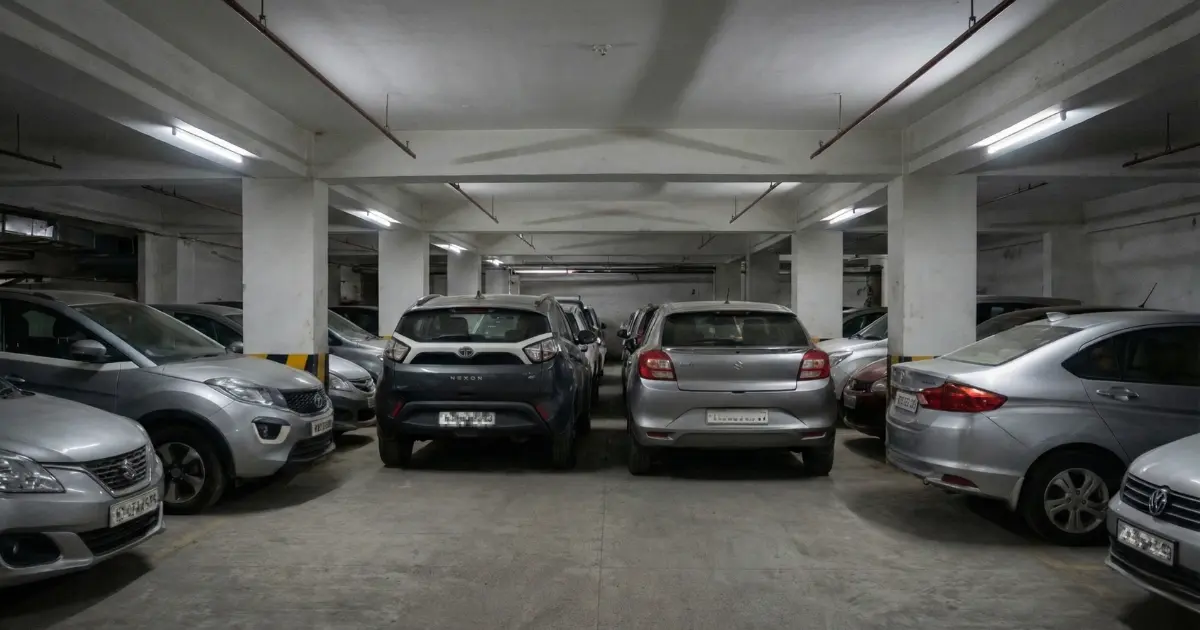
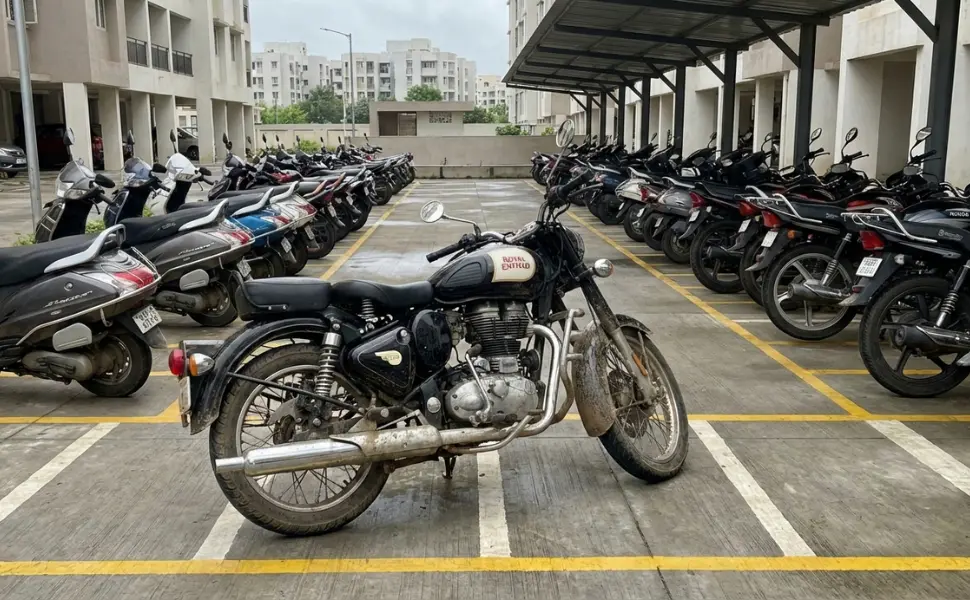
Built for the parking issues societies actually face

How QR Stickers works for your society
Stickers issued by society admin
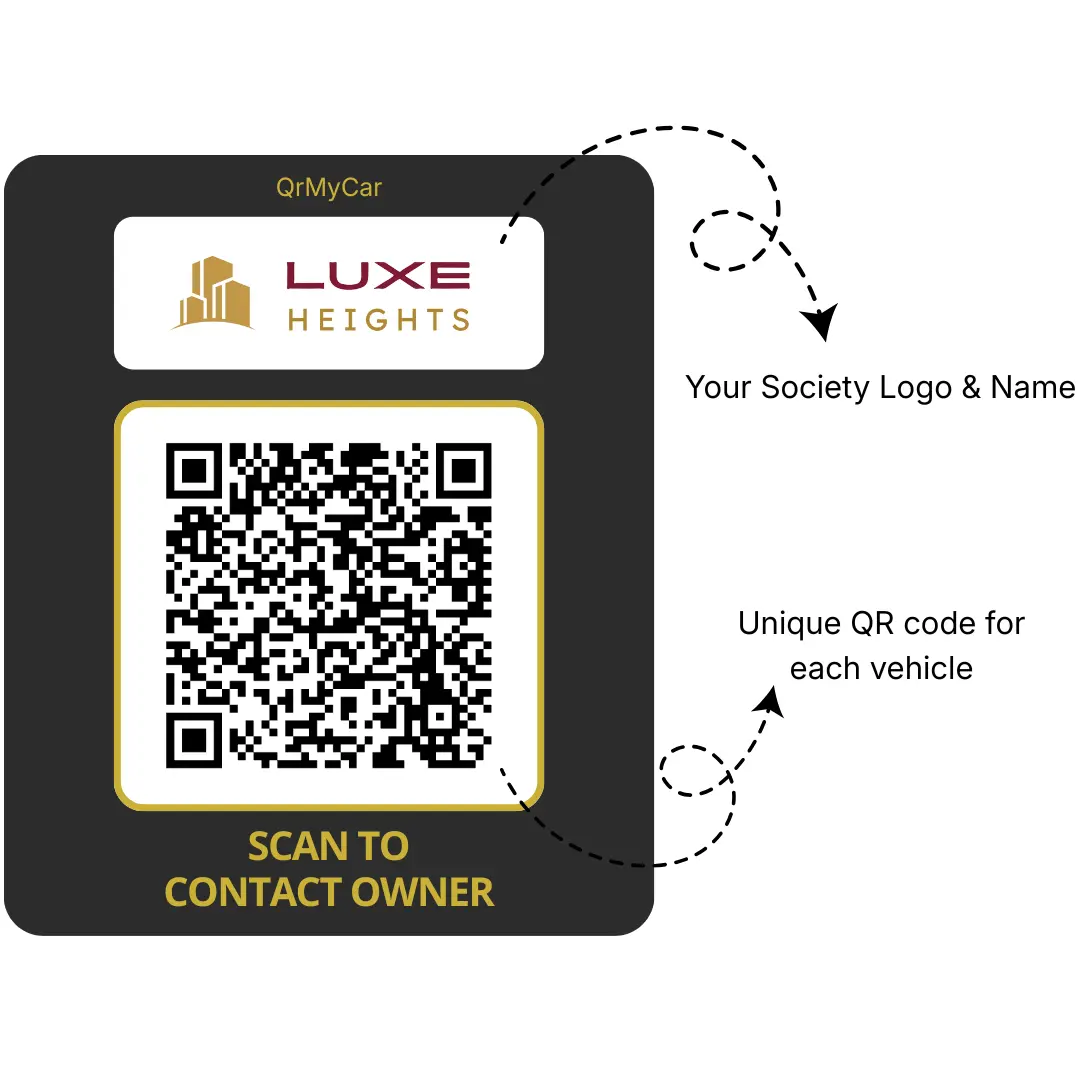
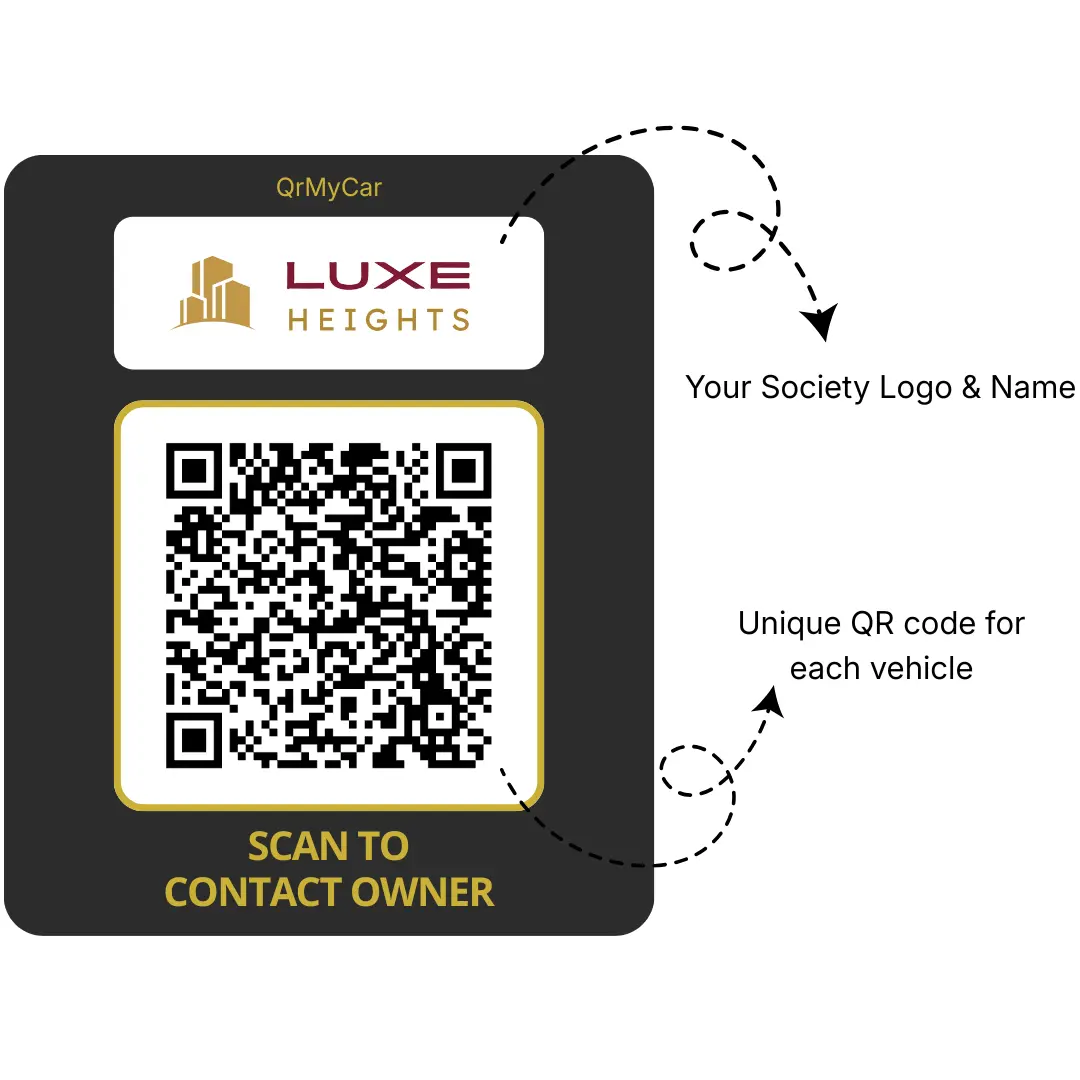
Resident requests for QR sticker through society admin. Each QR sticker carries society name, logo, flat mapping, and unique code.
- Looks premium and uniform
- Optional owner vs tenant colour cues
When security guard scans QR
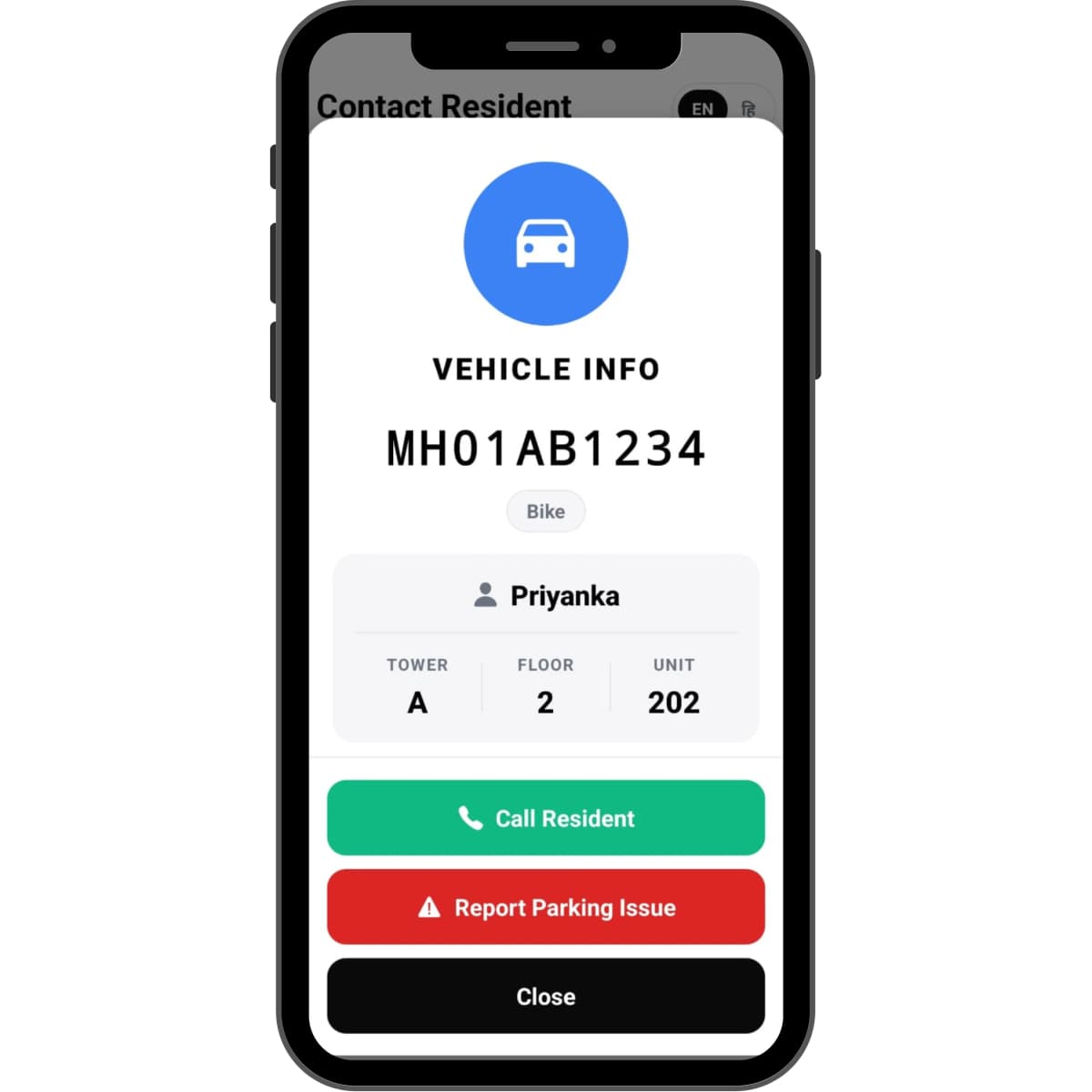
Authorized guards see resident details (name, block, flat) with call option.
- Instantly call the vehicle owner securely
- No need to find the details from registers
When society member scans QR
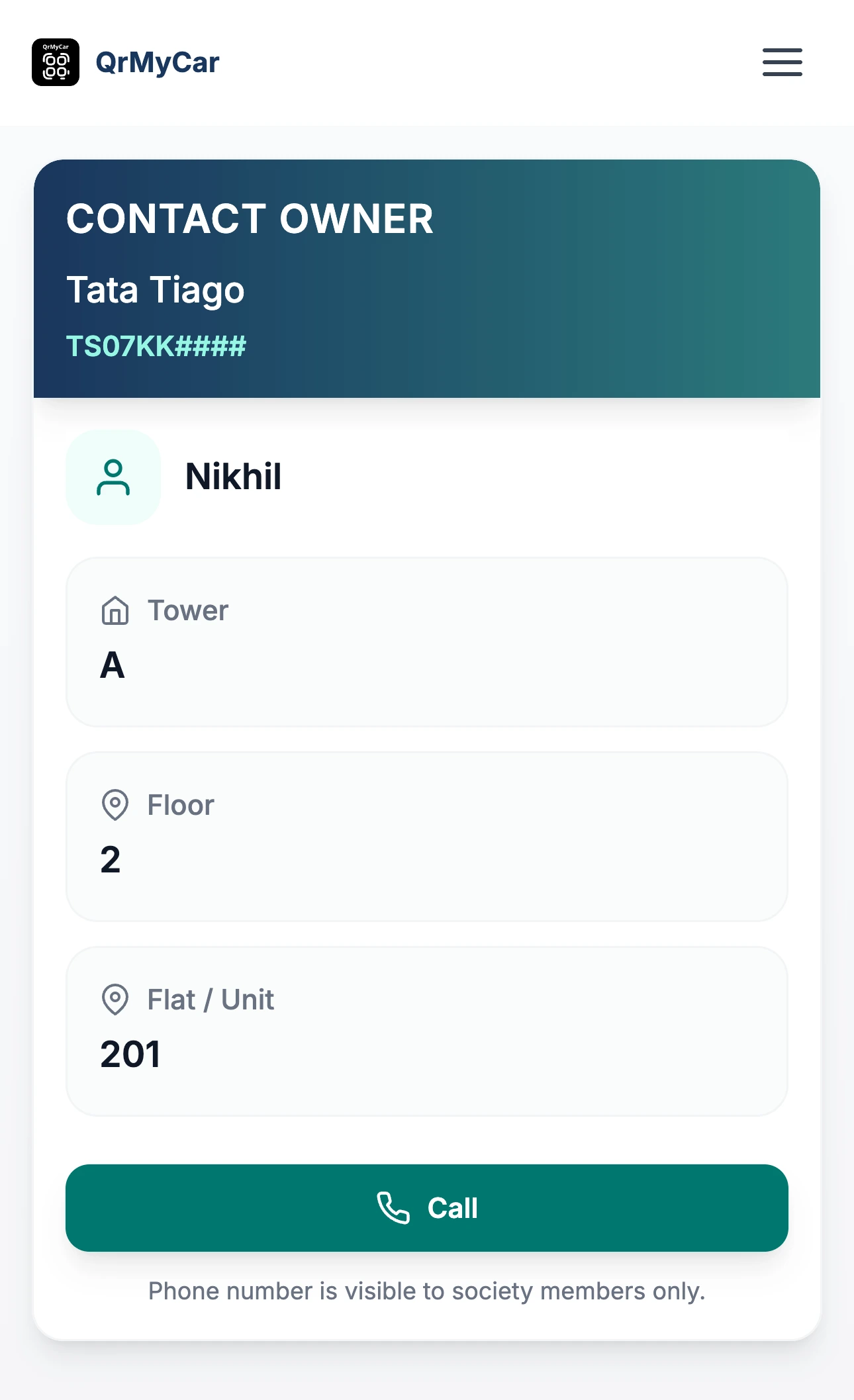
Verified residents see approved info (name, tower, floor, unit).
- Resolves parking issues quietly
- No guard coordination required
When non-member / Outsiders scan QR
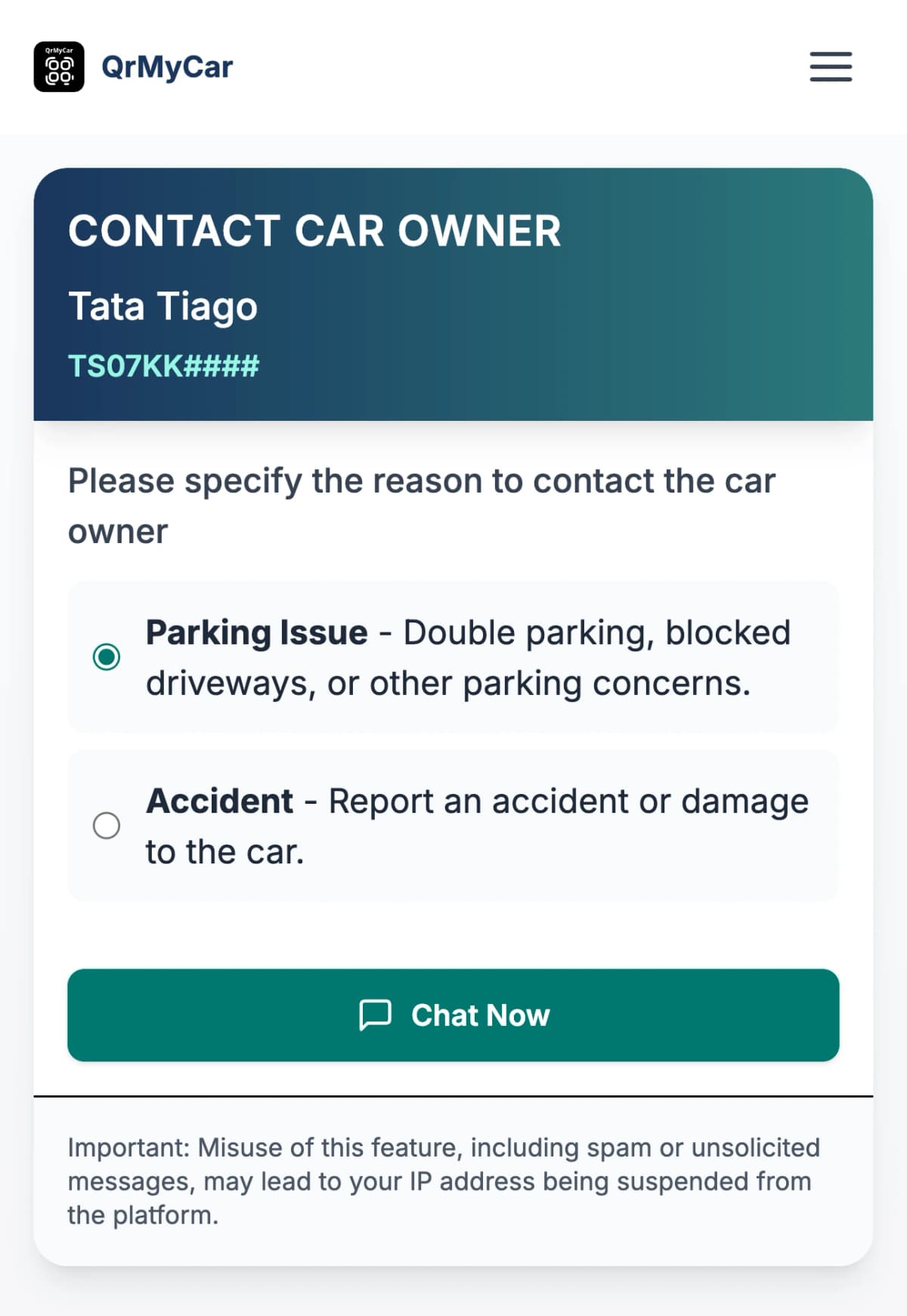
Outsiders never see resident data. They can leave an anonymous message that notifies the vehicle owner instantly.
- WhatsApp alerts* in real time
- Perfect for parking related issues
Wondering how the implementation works in real?
See the complete journey from custom sticker printing to resident and vehicle onboarding to day-to-day usage.
Know step-by-step process →🚧 Want to automate your society gate?
QrMyCar can also connect compatible boom-barrier systems with smarter vehicle access control.
Designed for Society & Security Teams
Protect residents while solving problems faster
- Resident data visible only to society members and authorized guards
- No public exposure of owner details in the parking lot
- No app installation required for residents
Keep existing platforms, add one smart layer
- Complementary to MyGate, NoBrokerHood, or any RWA portal
- Reduces dependency on guards for daily vehicle issues
- Clear visibility of vehicle in out records
Premium, durable and customized for your society
Materials tuned for humidity, heat, and everyday dust so the QR stays legible in basements, podiums, and open visitor lots.
Weatherproof
Heat-resistant
Durable
| Branding focus | Details |
|---|---|
| Match the look of your community |
|
| Use colour coding to stay organised |
|
Why RWAs & Association Committees Choose Us
Fewer parking calls. Faster resolution. Happier residents.
No drastic app migrations. No complicated rollout. Just a simple QR sticker that helps security and neighbours reach each other instantly when a vehicle needs attention.